> For the complete documentation index, see [llms.txt](https://docs.tronsave.io/llms.txt). Markdown versions of documentation pages are available by appending `.md` to page URLs; this page is available as [Markdown](https://docs.tronsave.io/chinese/guides/tools/bulk-send-token.md).
# 批量发送代币
**SaveSender** 能够高效且低成本地向大量接收地址发送代币。它专为 TRON 网络打造,集成了能量和带宽,因此相比普通的链上转账,你支付的 TRX 手续费要低得多。
## 你能获得什么
* **完全免费使用** — 发送代币不收取任何平台费用。
* **专为 TRON 打造** — 针对 TRX 和 TRC20 代币进行了优化。
* **最高节省 70% 手续费** — 通过集成的能量和带宽实现。
* **CSV 上传** — 准备一份接收地址和金额的列表。
* **快速** — 几分钟内即可发送到数百个地址。
## 如何批量发送 TRC20 代币
下面的流程涵盖了 TRC20 空投(同样适用于多笔转账)。
### 第 1 步:打开工具
前往 [tronsave.io](https://tronsave.io/),打开 **Tools** 菜单,点击 [**Bulk Send Token**](https://tronsave.io/tools/bulk-send)。
### 第 2 步:准备你的 CSV
创建一个 CSV 文件,列出每个接收地址的钱包地址和代币金额,例如 `TAbc123xyz, 100.5`。请仔细核对地址。
{% hint style="info" %}
* 每一行必须包含一个**地址**和一个**金额**,以逗号分隔,例如 `TAbc123xyz, 100.5`。
* 不允许重复地址。
{% endhint %}
### 第 3 步:连接你的钱包
连接你的钱包,并确保其中持有足够的 TRX 用于支付手续费,以及足够数量的你打算发送的代币。
### 第 4 步:选择代币并上传数据
1. 选择代币。
2. 上传你的 CSV。
3. 核对预览。
### 第 5 步:授权代币(TRC20)
对于 TRC20 代币,在转账之前你必须先授权该代币。系统会自动预估授权交易所需的能量。
请先购买能量,然后执行 **Approve** 步骤。
### 第 6 步:发送代币
代币授权完成后,系统会自动进入 **Send** 步骤。
TronSave 会预估你的交易所需的能量。为了节省手续费,请点击 **Buy Energy**。
* 等待 15–30 秒,让能量被代理(委托)到你的钱包。
* 然后确认以继续进行批量发送。
{% hint style="success" %}
在此处购买能量可以降低 TRX gas 成本,并保持发送过程顺畅。
{% endhint %}
### 第 7 步:在 TRONSCAN 上验证
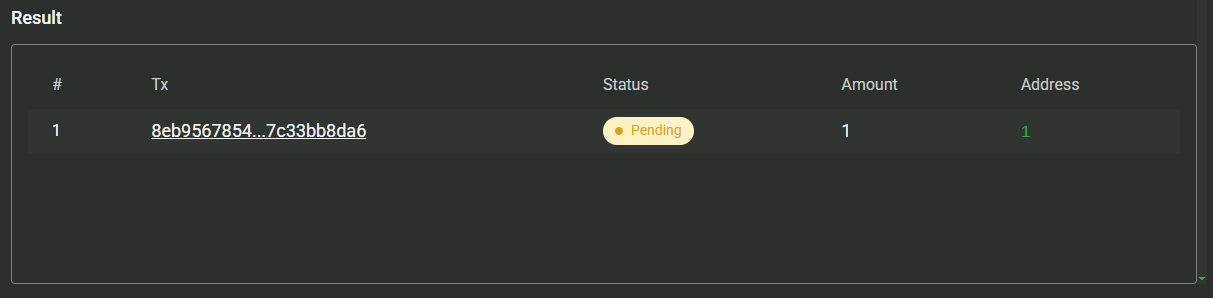
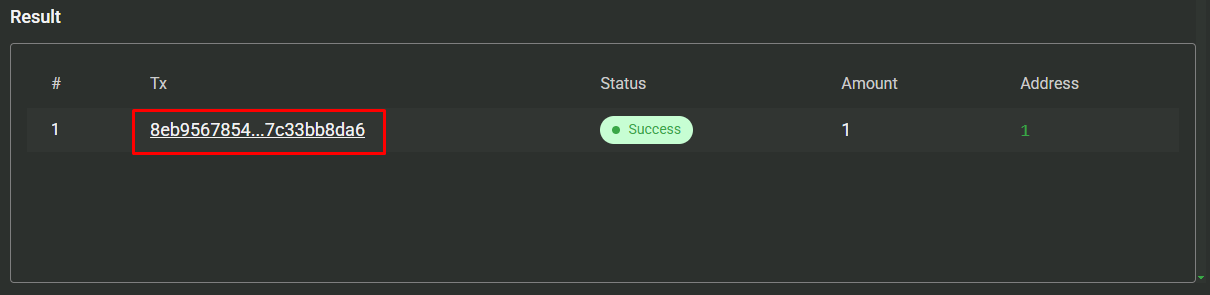
查看 [TRONSCAN](https://tronscan.org/) 以确认转账成功。
## 后续步骤
* [购买能量和带宽](/chinese/guides/buy.md) — 为你的批量发送提供动力的资源。
* [能量和带宽](/chinese/concepts/energy-and-bandwidth.md) — 为什么这些资源能降低转账手续费。
---
# Agent Instructions
This documentation is published with GitBook. GitBook is the documentation platform designed so that both humans and AI agents can read, navigate, and reason over technical content effectively. Learn more at gitbook.com.
## Querying This Documentation
If you need additional information that is not directly available in this page, you can query the documentation dynamically by asking a question.
Perform an HTTP GET request on the current page URL with the `ask` query parameter, and the optional `goal` query parameter:
```
GET https://docs.tronsave.io/chinese/guides/tools/bulk-send-token.md?ask=&goal=
```
`ask` is the immediate question: it should be specific, self-contained, and written in natural language.
`goal` is optional and describes the broader end goal you are ultimately trying to accomplish on behalf of the user. GitBook uses it to tailor the answer towards what is most useful for that goal.
The response will contain a direct answer to the question and relevant excerpts and sources from the documentation.
Use this mechanism when the answer is not explicitly present in the current page, you need clarification or additional context, or you want to retrieve related documentation sections.